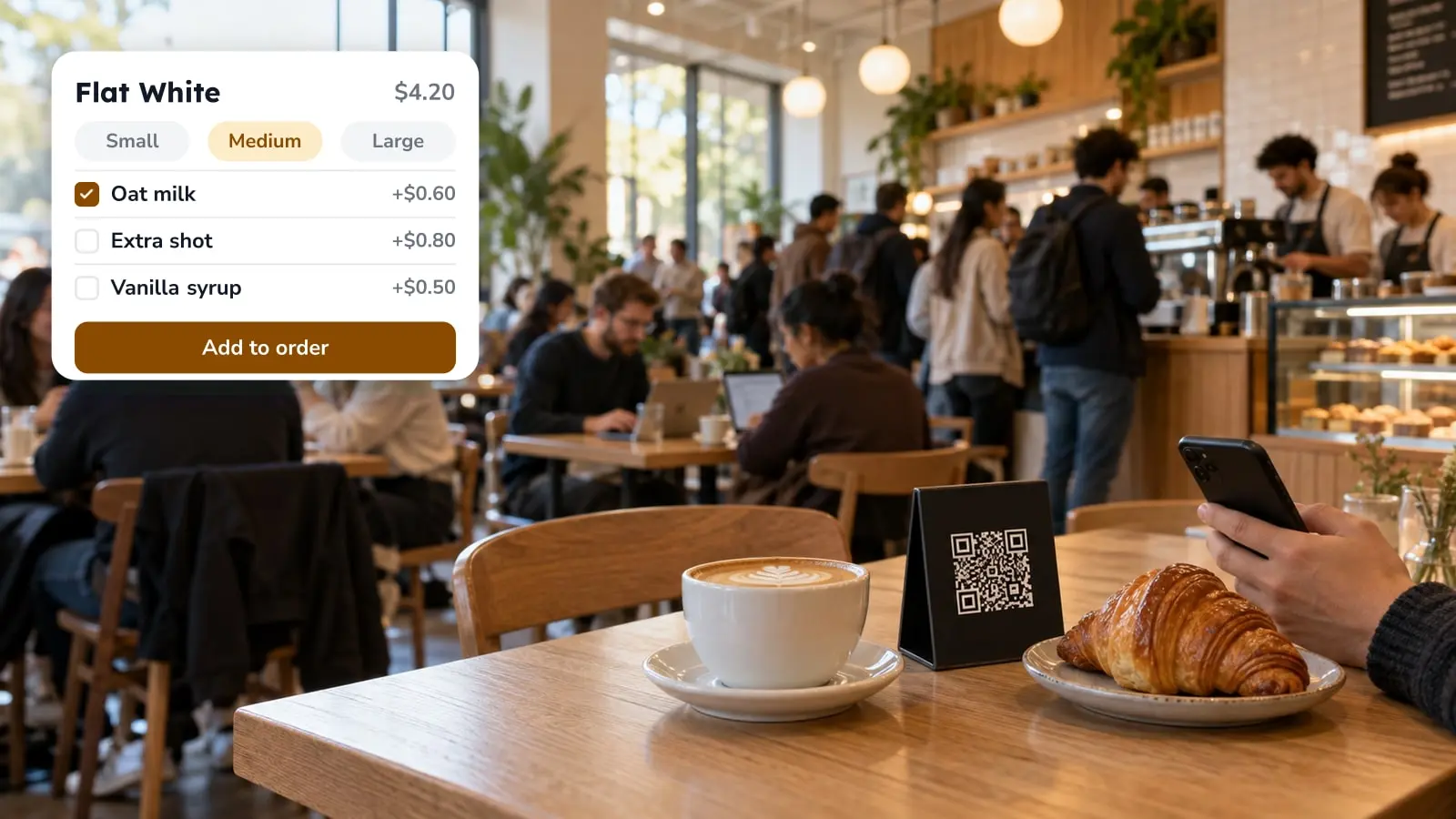
In a restaurant, fast checkout means the guest pays the check from their own phone at the table. Nobody has to find a card machine or print the bill first. If you got here from results about PayPal, Shop Pay or WooCommerce plugins, those belong to online stores, which is a different job. The rest of this page covers how the two differ, what "express checkout" and "guest checkout" come to at a table, and where FineDine's Fast Checkout setting is.
Three Things People Mean by Fast Checkout
Search the phrase and you'll mostly get online shopping: PayPal's accelerated checkout, Shop Pay, one-click plugins for WooCommerce. A returning shopper skips the address and card forms because a wallet already holds them. If you run a web shop next to your restaurant, that's the family of tools to read about, and none of it is set up from a restaurant ordering panel.
The meaning this page is about is table payment. The guest scans the table QR, orders or opens the check, and pays on the phone, so nobody walks over with a POS device.
There's also a counter version, where a kiosk or tablet takes the order and the payment in one go. For a cafe or a quick-service counter that may matter more than the table flow, and the tablet ordering guide covers when a tablet fits.
Express Checkout and Guest Checkout at the Table

Express checkout is the shopping term for paying with a wallet like Apple Pay or Google Pay instead of typing card details. At a restaurant the same wallets show up as a payment choice on the guest's phone. They confirm with a fingerprint or a face scan and the check is closed.
Guest checkout just means paying without creating an account, and at a table that's what people expect. They came to eat, not to register. So when you compare payment tools, ask what a first-time guest has to do before the pay button works. Each extra step is a guest staring at a phone while the table waits.
If you want the mechanics underneath, including where QR payments tend to get stuck, read how QR code payments work.
What FineDine's Fast Checkout Is
In FineDine, Fast Checkout is a checkout mode for Dine-In QR ordering. The panel lists it next to Default Checkout, marks it NEW, and shows it with split options and two payment providers, Stripe and Myfatoorah. Splitting is the part that helps at a big table where everyone owes a different amount, because one card machine otherwise has to make a round of the table for every payer.
You can offer guests several ways to pay: card through your POS, cash, or online payment with Apple Pay, Google Pay or a card. Turning on Fast Checkout doesn't mean giving up the card machine or cash, and you choose which types guests see.
If your bank or payment provider is neither Stripe nor Myfatoorah, check what the Fast Checkout option offers before you build a plan around it.
Turning It On in the Panel
Go to Orders, open Ordering Settings and choose the Dine-In QR channel. On that page, switch on Enable Ordering and Enable Payment. The checkout section has two options, Default Checkout and Fast Checkout. Pick Fast Checkout, then select the payment types you want guests to see. The panel names Stripe and Myfatoorah as the providers, so make sure one of them is connected too. Switching on Fast Checkout and Enable Payment may not be enough by itself.
Before your first busy service, place a test order from a table QR and pay it yourself. You'll see exactly what the guest sees, and it's easier to show staff a real check than to describe one.
When Table Payment Fits and When It Doesn't
Table payment helps most where waiting for the check is the slow part: big tables, split bills, a room that turns over several times in one evening. It also suits a floor with few staff, since paying doesn't need a person to stand there.
It fits less well where guests like to settle in person, say a small place with a handful of tables and regulars who pay at the counter. There the card machine is already quick, and a second payment path only gives staff two things to watch. Start with a few tables or one area and widen it once it runs smoothly.
Table payment is one piece of the ordering setup. If you haven't yet decided whether to take orders from the phone at all, online ordering for restaurants goes through the benefits and the usual mistakes, and what QR payment is shows where it fits your service.
Frequently Asked Questions
- Is Fast Checkout the same as PayPal's accelerated checkout?
- No. PayPal's version is built for online stores, where a wallet fills in shipping and card details. FineDine's Fast Checkout is a mode for paying a table's check from the guest's phone.
- Where do I switch Fast Checkout on?
- Open Orders, then Ordering Settings, and choose Dine-In QR. Fast Checkout sits next to Default Checkout on that page.
- Which ways can guests pay?
- The Dine-In QR settings list card through POS, cash, and online payment with Apple Pay, Google Pay or a card. You choose which of these to show.
- Can a table split the check?
- The panel lists Fast Checkout with split options for the table, so one person doesn't have to pay the whole bill.
- Does it replace my card machine?
- No. Card through POS and cash stay selectable as payment types, so you can keep them next to online payment.