
The order goes onto a pad at the table. A few minutes later someone keys it into the POS, and somewhere in between a modifier gets dropped, or a table sits waiting while the server ahead of them finishes at the terminal. Tableside ordering can shorten that gap, because the order is entered where the guest is sitting: by a server with a handheld, or by the guest on a QR code, a tablet or a kiosk. Choosing the device is the easy part. The harder parts are table numbering, payment, a menu that has to answer questions when nobody is there to ask, and what happens at the pass.
Server handheld, guest phone or tablet on the table
A server with a handheld does the same job as before. The difference is timing: the order reaches the system while they're still at the table, and nobody has to key it a second time. Specials, the second glass and the call to hold something back stay with your team.
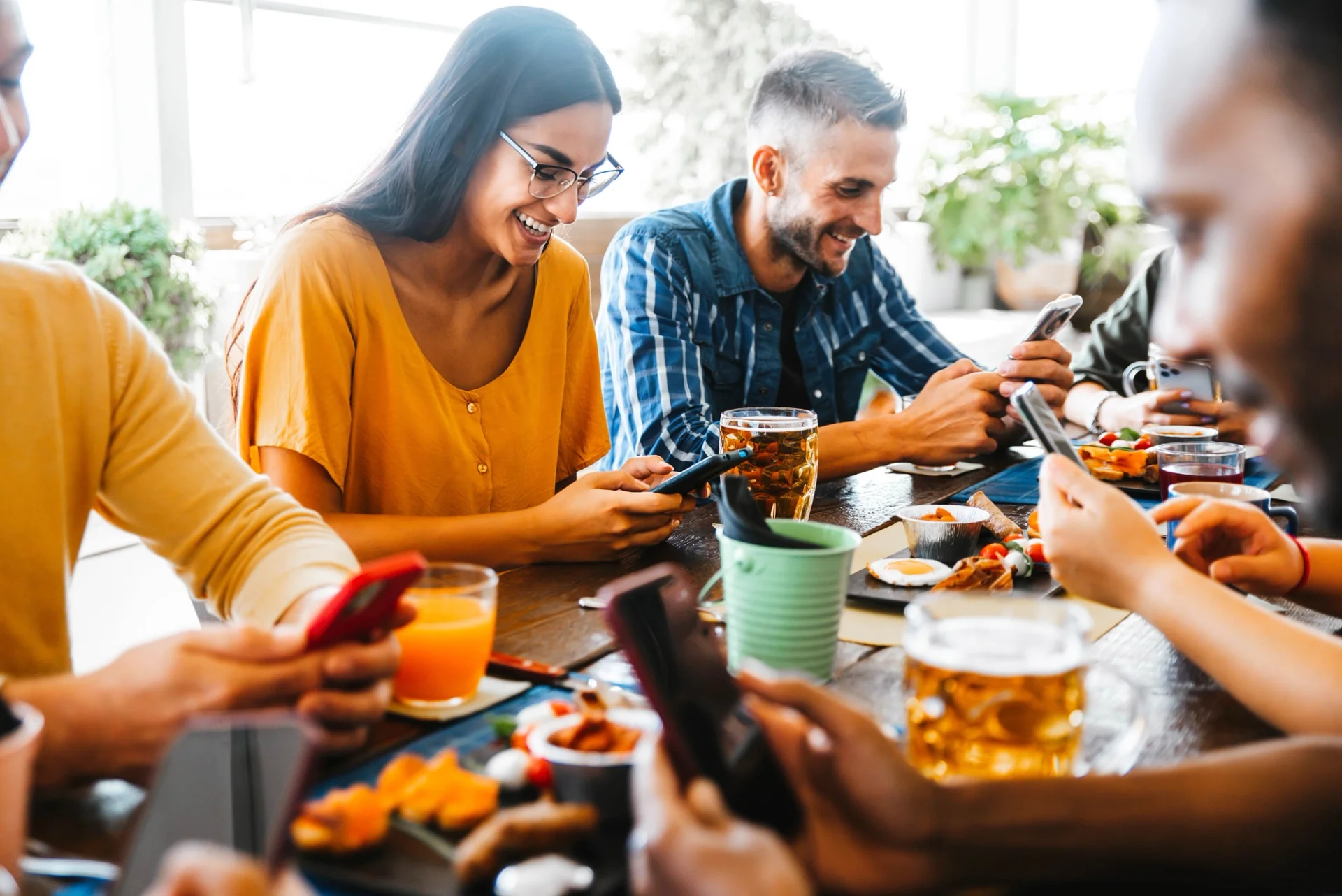
Hand the screen to the guest and the work splits. The guest reads, decides and sends, while your team carries food, checks in and deals with whatever a screen can't.
You don't have to pick one. A code on the terrace and handhelds inside is a workable mix, since in FineDine the channels (Dine-In QR, Tablet, Delivery & Pick-Up) are switched on separately.
A tablet that stays on the table is the setup with daily upkeep: charging it, wiping it between covers, and a layout that reads well at arm's length across a table. Tablet menus are themed on their own tab, separate from the QR menu. If tablets are where you're heading, start with what a tablet menu layout has to do differently.
Tablet modes decide who is actually ordering
If you run tablets, the mode matters more than the hardware. Full Service is for a server carrying the device, Table Top is for one that stays put, and Kiosk is for guests ordering on their feet, which suits a counter better than a dining room. The same settings screen also decides whether an order is submitted as the guest or as the waiter. You'll notice that choice the first night a table has a server and a guest tapping at the same time.
The budget rule you'll hear about, and the line it can't move
Most owners meet a rule of thumb before they meet a device. The version that circulates splits revenue roughly 30% food, 30% labor and 30% rent and overhead, with whatever is left as margin. Treat it as a planning frame rather than a benchmark for your room, since a wine-led bar, a bakery and a hotel breakfast operation don't share a food line.
Tableside ordering usually gets sold against labor, and that's the line it is least likely to move. Shortening the walk to the terminal doesn't take a server off the schedule. It gives the same server a few minutes back, and what those minutes are worth depends on what your floor does with them. Food cost isn't going to change just because an order arrived on a tablet.
The spending lands in overhead, and it lands before the first order: photographing dishes, writing descriptions a guest can order from, printing codes, and printing them again when a section is renumbered. AI images in FineDine run on credits. A generated image, an enhancement of a photo you already have and a marketing image are each priced differently, so read the rates before you plan a full menu shoot around them. Start with the ten dishes that carry your margin.
What this would lift in your own room isn't a number we can give you, and another restaurant's case study can't give it either.
The menu now does your server's talking
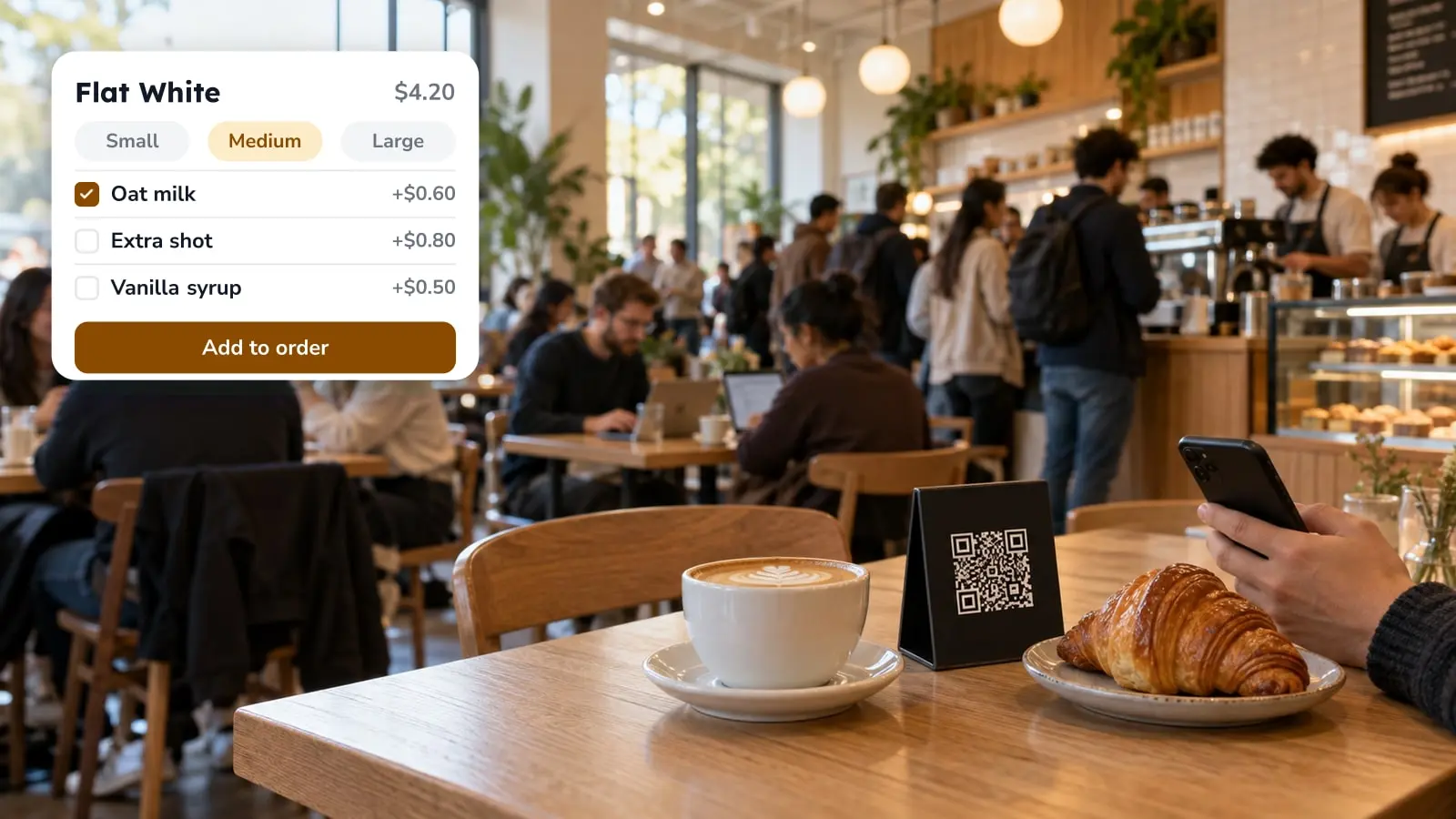
Once the guest orders from a screen, the menu has to answer the questions a server used to field. Whatever it leaves out comes back as a raised hand, or as a dish nobody orders. So each item needs more than a name and a price: a description that says what's in it, and modifiers for the extras people always ask for, like no onions, oat milk or an extra shot.
On the guest's side this shows up as the item page, with variants to choose from, allergen icons, a calorie badge and ratings other guests left on that dish. Coffee bars get a field most menus lack, caffeine in milligrams per variant, which answers a question guests normally put to the barista.
Language matters more than it does on paper, because no server is there to bridge it. The guest picks a language on the welcome screen before the menu loads. Before you promise a tourist menu in four languages, check the pricing page.
A printed menu goes stale because fixing it means a reprint. On a screen the risk is different: is the version guests read the one you edited? Menus have a draft and a published state, so a changed price stays where you made it until you publish, and the preview beside the editor shows what the guest will see. That's where a description that looked fine in a form field turns out too long on a phone. Each menu also shows which channels it's live on, which matters at publish time, because a menu serving the dining room and the delivery listing sends the same edit to both.
Mid-service, a dish that has run out comes off with the visibility toggle in the editor. Whoever runs the pass usually ends up owning that job, so decide who holds the login while the room is still quiet.
Tables, codes, payment and tips
A QR code can carry the table with it. Print one per table and the order arrives already attached to table 12. With one code for the whole venue, the table number has to come from the guest on screen or from your team at the pass.
Tables are grouped into areas, so the terrace, the mezzanine and the garden can be numbered separately and laid out on a floor plan. The per-table codes come off the same screen, and renumbering a section means reprinting every code in it.
If guests order at the table and then queue for the check, half the wait is still there. Card and cash still run through the POS. Online payment covers Apple Pay, Google Pay and cards, and Fast Checkout adds bill splitting, currently through Stripe and Myfatoorah. Which provider you can use depends on where you operate: Iyzipay and MOKA come up for Turkey, Myfatoorah and STC Pay for the Gulf, and Stripe in a number of other markets. The options for your own country are on the Marketplace list in your account. If payment isn't settled yet, what QR payment changes at the table goes through it in more detail.
Tips, minimum order value and age verification for alcohol sit in the ordering settings. A cover or service charge is set up with your tables, next to staff and the service requests guests can send from the menu.
Where the wait goes at 8 pm on a Saturday
Sending orders faster doesn't make the kitchen faster. If your pass is already at its limit on a Saturday night, self-ordering will probably move the wait rather than remove it: the table stops waiting for a server and starts waiting for the kitchen. That doesn't make it a poor fit, but it helps to know so you don't read the first week as a failure.
Decide who paces the courses. Servers used to do it by holding an order back, and when a guest submits starters and mains together, that pacing becomes something the kitchen or the pass has to handle. How tickets reach each station depends on how your kitchen is set up, so before opening night walk one table's order from the screen to the plate instead of assuming it lands where you expect.
Not every table will want this. A code on a dim table is harder to scan than the same code in daylight, and at a table of eight it's often one phone ordering for everyone. The service request button lives inside the digital menu, so it helps a guest who already has the menu open and wants water. It does nothing for someone who won't or can't open it. For those guests, keep a server reachable the old way: eye contact, a raised hand, someone passing through the section.
Judging it after a month
Pick a stretch long enough to include ordinary weekdays and a full weekend, then compare one part of the room with itself. A terrace that got codes in June, set against a dining room that didn't, tells you more than this month against last.
Orders and average ticket show whether the room is selling and what a check looks like. They don't measure table turnover, so if turns are your question, time a few tables yourself. Item views set next to orders show which dishes get opened but not ordered. That's a prompt to look at the dish page, though it can't tell you why. A photo, a description, the price or an unavailable item are all candidates, and the numbers don't separate them. Reports compare one date range against another, and it's worth checking in your account how far back that comparison can go.
The order to set it up in
The sequence decides how much you end up doing twice. Codes printed for a menu that still has three items without photos get scanned anyway.
- Check the Marketplace against the till you already run. It lists POS integrations (Foodics, Simpra, Clover and Revel among them) and payment providers, and it changes, so look at your own account. If your POS isn't there, decide early how orders will reach it.
- Finish the menu data: photos, descriptions, price options, modifiers, allergen labels and availability. Anything a guest can't ask about has to be on the item.
- Build tables and areas under Settings > Operations.
- Decide what the code does under Settings > QR Codes. Display mode shows the menu and takes no orders, while Ordering mode takes them. Dine-in codes come either one per table or as a single code for the venue.
- Turn on the channel in Orders > Ordering Settings, each with its own payment methods and cancellation rules, and set the tablet mode if you use tablets.
If you also sell off-premise, the do's and don'ts of online ordering cover what changes once the guest isn't in the room. To see all of this against your own floor plan, request a FineDine demo and run your busiest service through it.
| Setup | Who sends the order | Daily upkeep | Settle before launch |
|---|---|---|---|
| Server handheld | Your server, at the table | Charging the device | Who holds the order back for course timing |
| QR code on the table | The guest, from their phone | Reprinting codes when tables are renumbered | One code per table or one for the venue |
| Tablet (Full Service, Table Top or Kiosk) | Server or guest, depending on the mode | Charging, wiping, layout at arm's length | Whether orders submit as guest or as waiter |
Frequently Asked Questions
- What does tableside mean on a menu?
- On a menu it usually means a dish is finished or prepared in front of the guest, like a carved roast or a salad tossed at the table. That's a service style and says nothing about how the order was taken. Tableside ordering is the other meaning: the order is entered at the table, by a server or by the guest.
- Which kinds of restaurants run tablets for ordering?
- The tablet settings in FineDine cover three situations: a server carrying the device (Full Service), a tablet that stays on the table (Table Top), and self-service ordering on foot (Kiosk). A counter-service cafe and a full-service dining room would likely pick different ones. We don't have a list of venues to name, and the mode that fits depends on your floor.
- What is the best software for restaurant ordering?
- The one that connects to the till and payment provider you already use, and whose menu you can keep accurate during service. Check the Marketplace list in your account against your POS first. If your POS isn't listed, work out how orders will reach it before anything else.
- Will tableside ordering let me run with fewer servers?
- Don't plan on it. It gives each server a few minutes back from the terminal, and whether those turn into more tables, better service or nothing depends on your floor. The kitchen pass often becomes the new limit.
- What about guests who don't want to use a phone?
- Keep a server reachable the traditional way. The service request button is inside the digital menu, so it only helps people who already have it open.