
The square on the table matters less than what opens after the scan. If it opens a PDF laid out for A4, the guest pinches and drags on a six-inch screen. If it opens a menu built for phones, they get search, photos and their own language. Getting the code is the easy part, and it costs nothing. The work is in filling in the menu behind it, and that is where the difference comes from.
What the Guest Sees After the Scan
We published a menu on a demo venue of our own, a small bakery, and walked it on a phone the way a guest would.
The code opens a short link and lands on a welcome page. The venue name is at the top, with a language picker, a feedback button and a details button for the address and opening hours. If the menu is still in draft, the page says it's being prepared. Worth knowing before anyone prints a code for a menu that was never published.
Then the menu itself. Category tabs run across the top, with a search box under them. Item cards show the description, price options where a dish comes in two sizes, and small diet and allergen icons. Tap an item and the photo opens at full width. Below it you get the calorie badge if that field is filled in, the sizes as buttons, and comments other guests left with their ratings.
A printed menu can't do three of these things. It can't be searched, it can't switch language for whoever is holding it, and it can't put another guest's opinion in front of someone while they're choosing. Each language in the picker is a separate translation that you fill in side by side in the translation center, and how many languages you can publish depends on your plan. The pricing page carries the current figures.
Getting a Code on the Table
Start with the menu. Upload a photo, PDF, Excel or CSV and the Menu Builder pulls out sections and items for you to check. Once the menu is published, the editor shows a QR Code button beside the share link, and you can have one code printed within minutes.
The code itself costs nothing, since any free generator will draw you a square. What you pay for, or put time into, is the page it points to and keeping that page current. FineDine has a 14-day trial with some features locked inside it, and the pricing page says what each plan includes.
Settle one thing before you print. The public address is built from the venue name, and the venue ID field is read-only. Rename the venue later and the address on your printed codes stays as it was. Spell the name the way you want it to stay.
One Code for the Room or One per Table
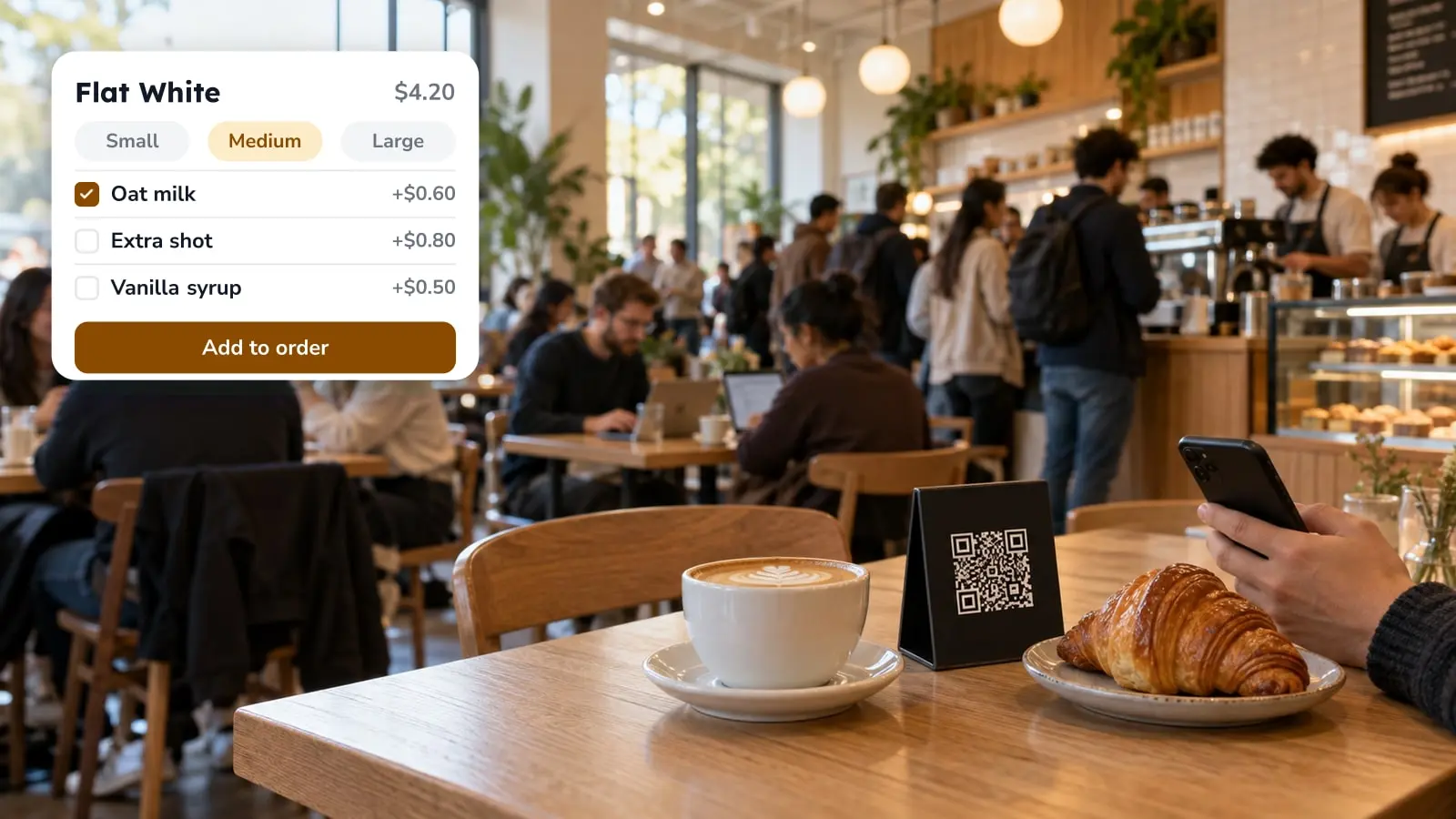
The QR Codes settings offer three setups, and each asks something different of the guest. With one code for every table, the guest picks a table number before anything else. With a code per table, the order already knows where it's going, and you download those codes from the tables list. With display only there's no ordering, and the menu works as a showcase. If the guest will also pay from the phone, how QR code payments work covers where that step can break at the table.
Empty Fields Read as Verdicts
Import a menu from a photo or a PDF and you get the items and their prices. Diet and allergen labels, nutrition, the calorie figure and the photo are separate fields on each item, and each stays empty until someone fills it in.
A blank field doesn't look blank. The guest sees one dish with a photo and icons, the next with neither, and it's easy to take that as a statement about the dishes. More often it only shows how far someone got through the data entry.
So the order of the work matters more than the amount. Begin with the dishes guests open most. Item views in the reports show which ones those are, and the editor keeps the item list next to a phone preview, so you can check each dish on the guest's screen as you go.
When You Run Out Halfway Through Service
A printed menu keeps selling the dish you've run out of, and someone ends up apologizing at table after table until closing.
Each item in the menu editor has a visibility toggle. Switch it off and publish, and the next guest who scans doesn't see the dish. Menus stay in draft until you publish, so an edit typed during afternoon prep does nothing until someone presses publish. Make that someone's job on the pass instead of hoping it gets done.
Why Some Guests Want the Codes Gone
The complaint deserves a close read rather than a shrug, because a good part of it isn't about the code.
Some of it is about a PDF with no search and prices you have to pinch to read. Some of it is about the phone: a battery at 4%, light too low for the camera to focus, small type and reading glasses left at home, or an evening someone came out to spend away from a screen. And some of it is about what left the table along with the paper. If the code replaced the server's visit and nothing took its place, the guest has no easy way to say the order came out wrong. The menu screen can carry service requests, such as calling someone over or asking for the bill, but only the ones you switch on.
We can host the menu. We can't make a guest want to hold a phone through dinner, and as far as we saw, no setting changes that. A stack of printed menus at the host stand doesn't mean the rollout failed.
Privacy comes up too, usually as a question about what a scan collects. On the menu we walked, the welcome page asked for nothing and signing in was optional.
Reading the Scan Count
The dashboard counts scans. The reports go further, into sessions, menu views, section views and item views, plus orders, average ticket and conversion once ordering is on. They refresh hourly and run over 7, 14, 28 or 90 days, or a range you set, each held against the window before it.
Read the scan count as traffic, not covers. Two people at one table can each scan, and the same phone reopening the menu after the starters counts as another session. Your cover count comes off the till, and the two are unlikely to match. That gap isn't an error to chase.
Identity shows up only when a guest hands it over: a name and phone number typed into an order form, a rating on a dish, an answer to the feedback survey. The survey is a list of questions you write, and the questions decide whether the answers are any use. Our piece on restaurant survey questions covers how to pick them.
Check item views first. A dish that's opened often and ordered rarely deserves a look. The report won't say whether the price, the photo or the description is putting people off.
Test It at Your Own Table
Colors, a background image and your own font file go in display settings, and the service options decide what a guest can send you from the menu. Every change shows up in the phone preview as you make it. That's where you catch the description that runs four lines, the background that swallows the prices, the service button you meant to leave off.
The preview can't show you the room: the light over the corner table, a code half hidden by the bread basket. So sit at one of your own tables during service, scan your own code on your own phone and order something. Whatever irritates you in those three minutes has probably been irritating guests since you printed the code.
If you run a hotel, the same setup stretches to rooms, the pool bar and the spa, as we describe in hotel menu QR codes.
| Setup | What the guest does | Where it fits |
|---|---|---|
| Display only | Reads the menu, no ordering | Showcase menu, or venues that take orders at the counter |
| Ordering, one code for all tables | Picks a table number first, then orders | Small rooms, quick setup |
| Ordering, one code per table | Orders, and the order already knows its table | Rooms where the table must be on the ticket |
Frequently Asked Questions
- Do I need to reprint the codes when the menu changes?
- Not for edits to the same menu. Change the item, price or visibility and publish, and the code on the table opens the updated menu. You only need a new code if you build a different menu and want tables to point at it.
- What if a guest doesn't want to use their phone?
- Keep a few printed menus at the host stand. The QR menu doesn't depend on every guest using it. For those who do scan, a service request button on the menu screen lets them reach a server without leaving the table.
- Does scanning collect guest data?
- On the menu we walked, the welcome page asked for nothing and signing in was optional. Names and phone numbers appear only when a guest types them into an order form or leaves a rating or survey answer.
- Can one setup cover a hotel's room service, restaurant and bar?
- Tables can be grouped into areas, so rooms and outlets can sit in one setup. Our hotel piece shows how that looks in service.
- Will the scan count match my covers?
- No. Two guests at a table can each scan, and a reopened menu counts as another session. Treat scans as a traffic signal and take covers from your till.