If you run a hotel, the menu QR code should carry what you sell to eat and drink: the restaurant, the bar, breakfast and room service. Give each outlet its own code and its own menu. Spa bookings, laundry and housekeeping requests go in a guest directory or an app connected to your property management system. Room service by QR works, but two things decide whether it holds up on a full night: how the kitchen knows which room the order came from, and how the charge gets onto the guest's bill.
Which hotel services belong behind a menu QR code
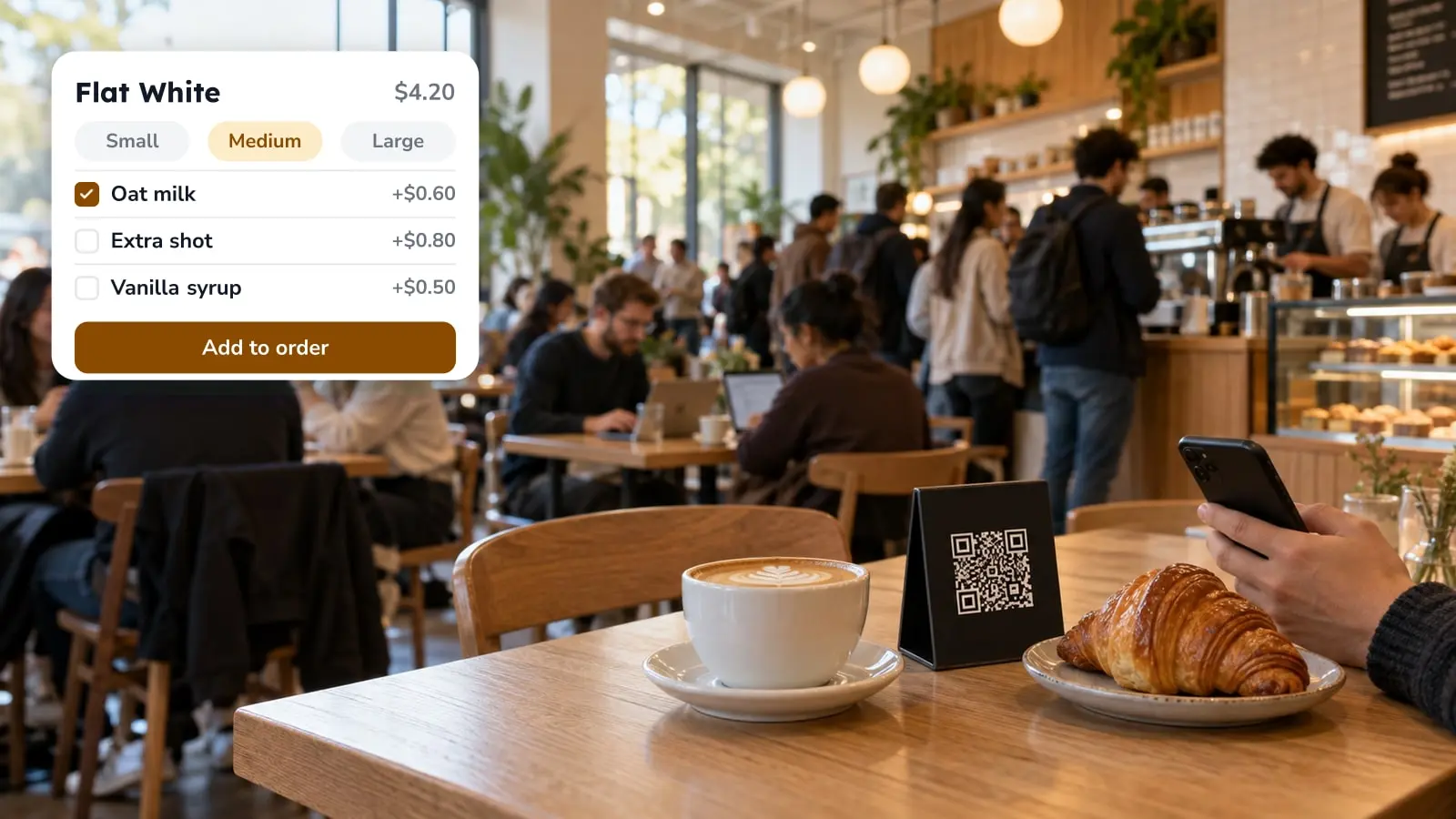
Food and drink fit best. The restaurant, the bar, the pool bar, breakfast and room service each have a menu, prices and opening hours. Those change often enough that the printed card in the room falls behind. A QR code shows the guest the version you published last, so the card on the desk no longer has to be the source of truth.
Spa treatments, laundry pickup, housekeeping and local tips work differently. They need a booking calendar, a request queue for staff, or a page that barely changes. That usually lives in a guest directory or an app tied to the property management system (PMS). Put them inside the restaurant menu and the menu gets longer while the spa gets harder to find. If you're working out what the directory should hold, start with what guests actually look for in a hotel directory.
The split we'd suggest is one code per food and drink outlet, plus one link on the room card to the directory for everything else.
Room service by QR code: three things to settle before printing

Ordering is the easy part. The guest scans the card in the room, opens the room service menu and sends the order, without waiting for someone to pick up the phone at 9 p.m. The planning goes into everything around that order.
Which room ordered. FineDine's QR ordering is built around tables. Tables sit in areas, such as a terrace or a floor, and each table gets its own downloadable code. The closest you get to a room service setup is one area per floor and one "table" per room, named with the room number. This borrows table ordering; it isn't a room service module. Send a test order from a real room before the cards go to print.
How the guest pays. FineDine's integration list covers POS systems, payment providers and a receipt printer. There's no hotel PMS on it, so an order won't land on the guest's room folio by itself. Either the guest pays by card or mobile wallet when ordering, or your staff post the charge to the folio by hand. Both can go wrong in their own way, and how QR payments work at the table shows where online payment tends to break.
When the scan doesn't work. Some rooms have weak Wi-Fi. Some guests don't carry a smartphone, and some would simply rather call. Print the room service extension right next to the code, and keep a paper menu at reception for anyone who asks.
Placing the codes in rooms, restaurant, pool and lobby
FineDine's QR settings have two kinds of code. A display code shows the menu and takes no orders. An ordering code can be unique to each table or shared by every table in the venue.
Which one goes where depends on who carries the order. In the restaurant or by the pool, staff bring food to where the guest is sitting, so a code per table or lounger tells them where to go. At a bar, guests walk up to order anyway, and one shared code is enough. In the lobby and the elevator, a display code puts the restaurant menu in front of guests before they've decided where to eat.
Diners who aren't staying at the hotel need to book, not order. FineDine's reservation module gives the venue its own booking page, and you can download that page as a QR code for the lobby or the restaurant door. For the guest's side of the scan, see what changes for the guest after the scan.
Guesthouses and small B&Bs: a view-only menu is often enough
A guesthouse that serves breakfast and has nobody in the kitchen at night doesn't need ordering. A display code on the breakfast table or in the room shows what's served, the hours and what the extras cost, and no one has to watch an order screen.
The gain is in editing. Change the menu in the panel, publish, and the same printed code shows the new version. Operating hours are set per venue, and items can be limited to certain times or days, so breakfast dishes aren't still on the menu in the afternoon. Time-based item visibility depends on your plan, so check that before you build the breakfast menu around it.
Menu languages for international guests
A room service menu is often read by someone who doesn't speak the local language, and there's no waiter in the room to explain a dish. FineDine's Translation Center translates menu text with AI, shows the original and the translation side by side, tracks how complete each language is and filters for untranslated items. Guests pick their language on the menu itself.
How many menu languages you can add depends on your plan; the pricing page lists what each plan includes. AI translation still needs a reader. Before you print, have someone who speaks each language go through the dish names, because that's the line guests choose by.
What room service order data tells an F&B manager
Once orders come in through the menu instead of the phone, the item report shows views, sales count and revenue for every dish. On a room service menu, a dish that gets viewed a lot and ordered rarely deserves a second look at its price, photo or description.
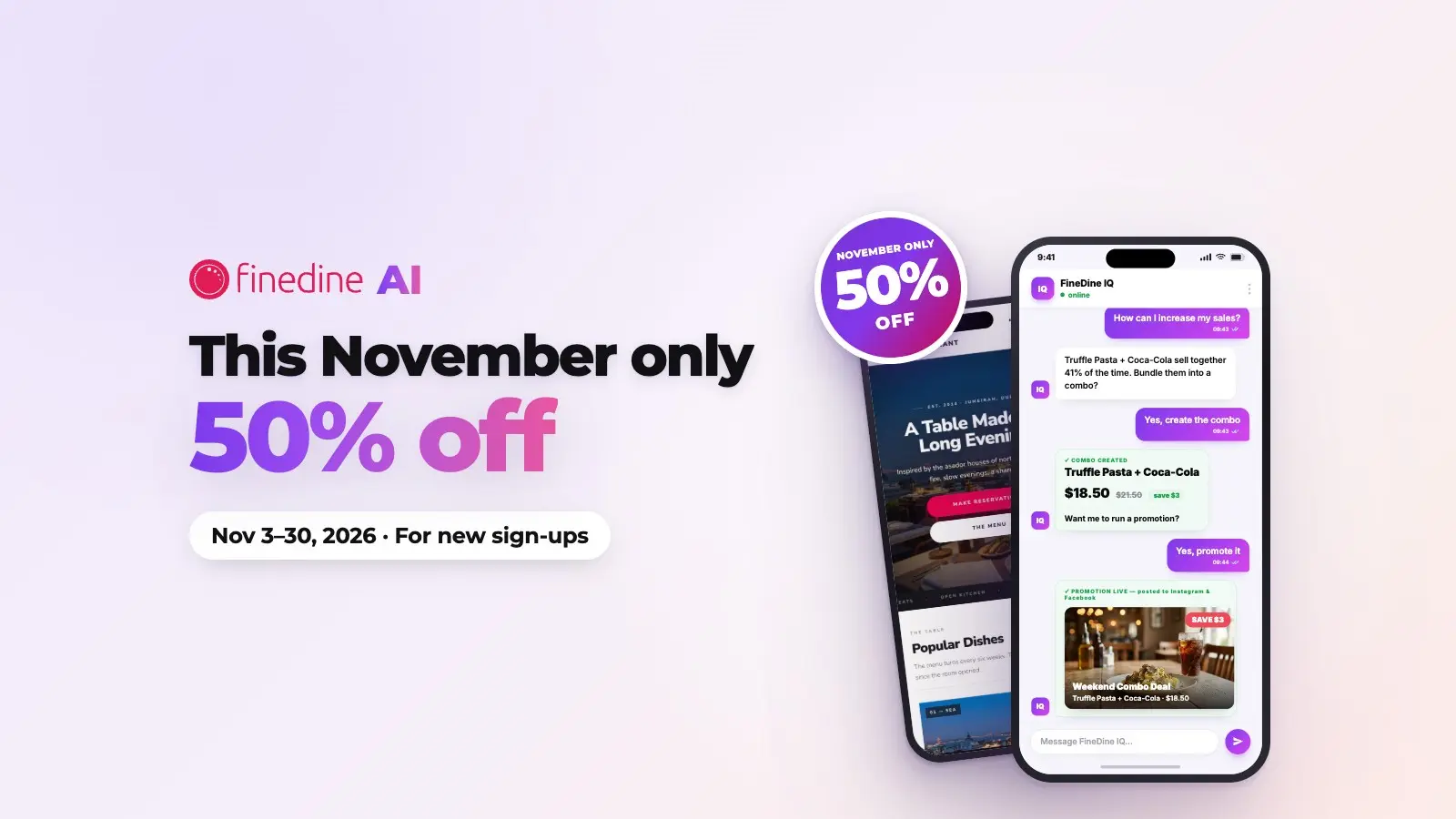
FineDine IQ, the AI Reports tab, updates hourly and has a Timing view and an order density heatmap. For a hotel, that's a starting point for a staffing question: at which hours room service orders actually come in, and whether the late kitchen sees enough of them to justify its shift. Guest feedback surveys can sit in the same menu, and their text goes through Translation Center along with the rest of the menu.
| Service | Fits a menu QR code? | Why |
|---|---|---|
| Restaurant, bar and pool bar menus | Yes | Prices, hours and languages change; one code per outlet keeps each menu short |
| Room service | Yes, with limits | Ordering works; room numbers and charge-to-room need a planned workaround |
| Breakfast in a guesthouse | Yes, often view-only | Shows dishes, hours and extras without anyone watching an order screen |
| Restaurant reservations | Yes, as a separate booking link | Non-resident diners need to book, not order |
| Spa, laundry, housekeeping | Usually not | They need a booking calendar or a staff queue, which a guest directory or PMS-linked app handles |
Frequently Asked Questions
- How do guests scan a hotel menu QR code?
- They open the phone's camera, point it at the code and tap the link that appears. Most current phones read QR codes straight from the camera app. A FineDine menu opens as a web page in the browser, so there's nothing to install, but the phone needs mobile data or the hotel Wi-Fi.
- Should the restaurant and room service share one QR code?
- Usually not. Room service tends to have a shorter menu, different hours and sometimes different prices. A FineDine account can hold more than one venue, each with its own menu, hours and codes. Whether your plan includes multiple venues is shown on the pricing page.
- Do I have to reprint the codes when prices change?
- No. The printed code points to your menu, not to a fixed file. Edit the menu, publish it, and the same code shows the new prices.
- What does a hotel QR menu cost with FineDine?
- FineDine is a subscription, and the plans differ in things a hotel cares about, such as the number of menu languages and venues. Current plans and prices are on the pricing page. There's a 14-day trial, though some features stay locked until you upgrade.