
Digital ordering means the guest enters the order on a screen and it reaches your system, with nobody writing it down and typing it in again. The screen might be their phone, a tablet, a kiosk or a link you sent. Whether it works in your room depends on the first few taps the guest sees and on what your floor team says while the card is still going down. Behind every guest's hesitation is one question: is anyone still coming to this table?
Digital, Online and Contactless: Which Name Means What
People use these three names interchangeably, and the mix-up tends to cause more trouble inside a team than with guests. Digital ordering is the broad term. Online ordering usually means the off-premises side, pickup and delivery through a link. Contactless was the word on the signs in 2020, and it mostly stayed there.
A marketplace app is digital ordering too, but your floor has nothing to explain there. What it costs per order and what it does to your guest list is a separate decision. Online Ordering for Restaurants: Benefits, Do's and Don'ts covers that side.
Four Formats, and Who Explains Each One
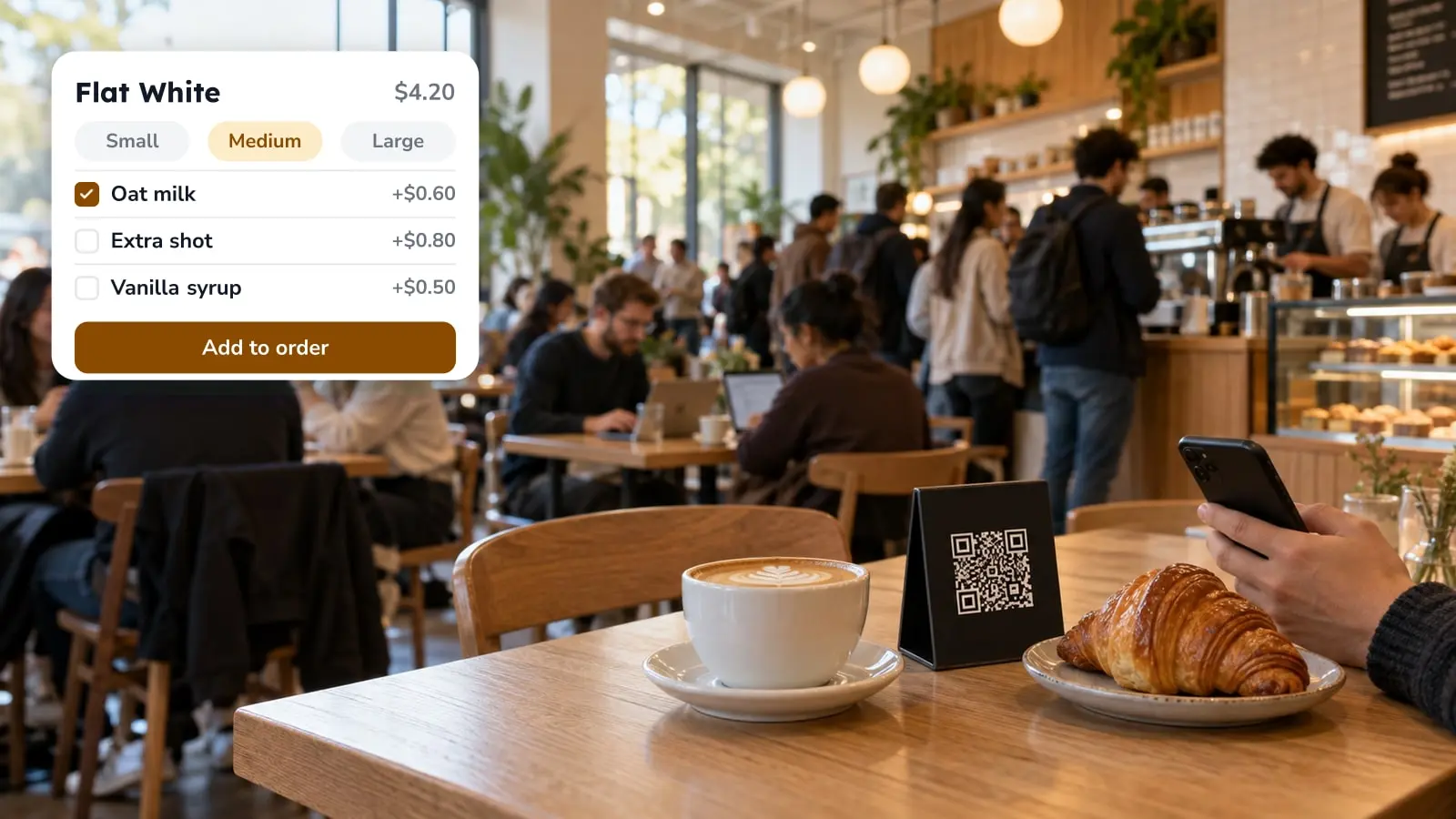
The format decides who has to say something. At a table with a QR card, your server does. At a kiosk, the screen has to. With a pickup link nobody is there, so the page carries the whole explanation. For tablets, the design side is in Tablet Menu Design Tips.
What the Guest Sees Before the Menu
In FineDine the first screen is not the menu. It's a welcome page with your brand name, a language picker, and buttons for feedback, venue details and signing in. The guest has to tap through it to reach the menu, which makes it an easy place for a first scan to stall.
Then comes the menu: category tabs, a search box, and item cards with the name, the description, price options and whatever allergen or diet icons you filled in. Each card has a heart for favorites. The item page adds a larger photo, size or portion buttons, a calorie badge if you entered nutrition data, and room for a rating and comment.
If ordering is on, the basket and checkout follow. Payment is by card, Apple Pay or Google Pay, there's a tip step at the rates you set, and an age confirmation for alcohol if you switched it on. Where you've enabled the service request button, a guest can call someone over without waving. Tell your staff it exists before you tell a guest.
A guest stuck on the welcome page hasn't seen a price yet, and from across the floor that looks just like someone reading the menu.
The Sentence to Say While the Card Goes Down
Say it as you put the card on the table. Once the guest has picked up the phone it's late, because by then they're deciding whether to be annoyed. The sentence has one job, which is to tell them somebody is still coming. Something like: "Order from this code whenever you're ready, and I'll be around for drinks and anything else."
Two more things are worth adding, and neither is about technology. The first is whether they pay now or at the end. You made that setup choice and the guest can't guess it. Settling the bill from the same code changes what the last ten minutes of a table look like, and How QR Code Payments Work, and Where They Break at the Table goes through it. The second is for a table that isn't local: point at the language picker. It's on the first screen, and it saves them scrolling through a menu they only half read. How many languages you can publish depends on your plan, so check the pricing page before you promise a table anything.
Skip the walkthrough. A hungry table is unlikely to want a tutorial.
Why a Better Script Won't Fix These Tables
When a table gives up, the cause is often the setup and not what the server said.
A FineDine QR code is set to either display or ordering. In display mode the menu opens but there's no basket. Printed on a card, the two look identical, so a server who says "order from the code" at a display-mode code ends up with a table that taps around and then waves.
A menu still saved as a draft shows the guest a line saying the menu is being prepared. To a table that was handed a card thirty seconds ago, that reads as a dead link.
If you print one code for the whole room instead of one per table, you have to collect the table number some other way. "Which table are you on?" works where tables are numbered and fails where they aren't.
Language fails quietly. Guests find the picker, then discover that only part of the menu came with them. The panel shows a completion percentage for each language, and a half-translated menu looks broken, not partly done.
Items with no photo and no description leave the guest choosing from a name alone. That's fine for a flat white. It's no help for a dish you named yourself.
The tables that give up will tell you. The ones that quietly ordered less than they meant to won't.
Reading the Reports Down the Guest's Screens
The FineDine reports tab counts sessions, menu views, section views and item views as separate numbers, updated hourly, and compares a 7, 14, 28 or 90 day window with the period before it. Read them in the order the guest sees the screens, not as one total. Sessions well ahead of menu views points at the welcome page. Menu views well ahead of item views points at the category you open on first, or at tabs that don't look like tabs on your guests' phones.
The numbers can't tell you why. Two questions on a Friday, one to a table that just ordered and one to a table that just waved, may get you further than a week of charts. 30 Restaurant Survey Questions can help you pick them. How far back the history goes depends on your plan.
Choosing a Digital Ordering System for Your Room
No system is best for every room, and a ranking would only describe someone else's service. Start from your own floor. Are your tables numbered? Do guests pay at the end or at the table? Do you serve guests who read another language? Does anyone order for pickup? Each answer maps to a setting you need to get right before the first scan: one code per table or one for the room, display or ordering mode, how many languages are complete.
In FineDine these are all menu and QR settings, and you can change them and preview the result before a guest scans anything. On a quiet shift, run a table or two through it yourself with the card in hand. If your own server has to explain the welcome page, the guest will need it explained too.
| Format | What the guest uses | Who explains it | Where it stalls |
|---|---|---|---|
| QR at the table | Own phone | Server, while placing the card | Code set to display mode, draft menu, no table number |
| Waiter tablet (full service) | Server's tablet | Server enters it with the guest | Guest still expects a paper menu |
| Table-top tablet or kiosk | Fixed screen | The screen itself | Guest looks for a person to hand the order to |
| Pickup or delivery link | Phone, away from the room | The page itself | Missing photos, unclear pickup time |
Frequently Asked Questions
- Does digital ordering replace servers?
- No. It removes the step where someone writes the order down and types it in again. Guests still ask for drinks, recommendations and the bill, so what you say at the table should make clear someone is still coming.
- I saw "olo" on a menu. What is it?
- Olo is the name of an online ordering software company, so on a menu it usually sits next to a link or button that opens that company's ordering page. I couldn't confirm one universal meaning for the word. If it shows up on your own menu, replace it with plain words like "Order online."
- How does online ordering work for pickup?
- The guest opens a link, picks items, pays and chooses a pickup time. The order lands on your order screen, where the kitchen sees it. On the panel, the delivery and pickup channel has its own settings for minimum order, delivery time and pre-orders.
- What should I check before choosing a digital ordering system?
- Check how it handles your table setup, your payment flow and your languages, and whether you can preview the guest's screens before opening. Then run a test order yourself during a slow shift.
- Can I use the same menu for dine-in and delivery?
- A menu can be switched on for several channels, shown as chips on the menu card in FineDine: dine-in QR, pickup, delivery and tablet. Whether you can run a different menu per channel is not something this page claims.